Hybrid Learning Classrooms AV Solutions
Hybrid learning classroom AV solutions give schools, colleges, and training organizations the audiovisual technology needed to teach students in the room and students joining remotely at the same time, in the same lesson. In a hybrid classroom, the remote learner shouldn’t be an afterthought watching a shaky laptop feed. They need to see the instructor and the board clearly, hear classmates’ questions, and be seen and heard when they participate.
A well-designed hybrid learning classroom integrates instructor-tracking and student-facing cameras, ceiling microphone arrays, in-room speakers, dedicated displays for both lesson content and remote participants, and simple one-touch control. These technologies connect directly to platforms such as Zoom, Microsoft Teams, and Google Meet, so any instructor can start a hybrid session in seconds and keep the focus on teaching rather than the technology.
Hybrid learning classroom AV solutions are widely implemented in K–12 districts, colleges and universities, online and continuing education programs, corporate learning centers, and professional certification programs where in-person and remote learners must receive an equal learning experience.
What Are Hybrid Learning Classroom AV Solutions?
Hybrid learning classroom AV solutions are integrated audiovisual systems designed to connect in-person and remote students in a single, shared class session. These systems combine technologies such as auto-tracking PTZ cameras, student-facing cameras, beamforming ceiling microphones, DSP-tuned speakers, interactive flat panels, content cameras, and centralized control to create a room where every student participates on equal terms, no matter where they’re learning from.
Unlike a traditional classroom with a webcam added on, a hybrid learning classroom is designed around two audiences at once. The system has to capture the instructor as they move around the room, pick up student voices from every seat without passing around a microphone, and bring remote students’ faces and voices into the physical room so they’re part of the discussion rather than passive viewers.
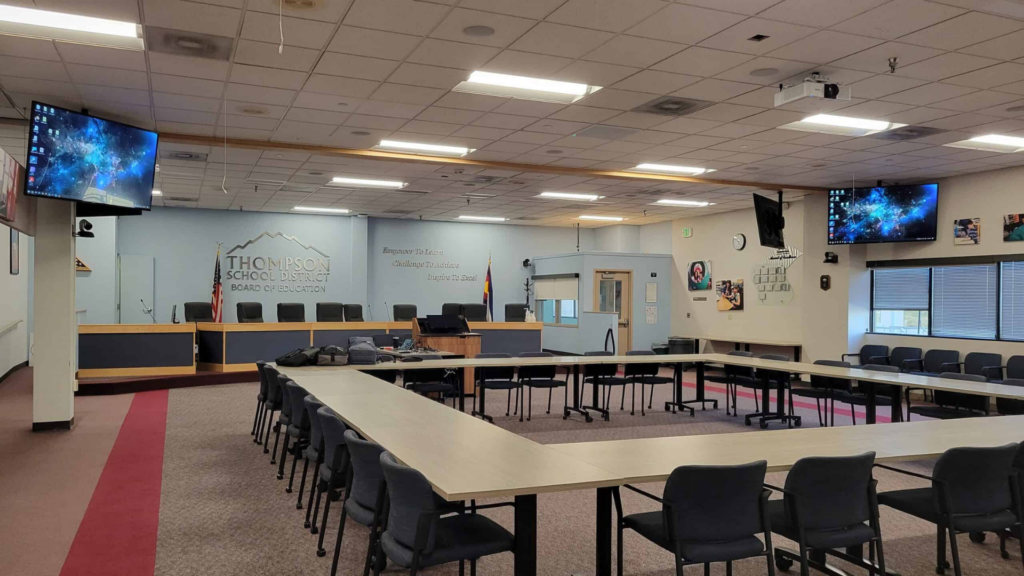
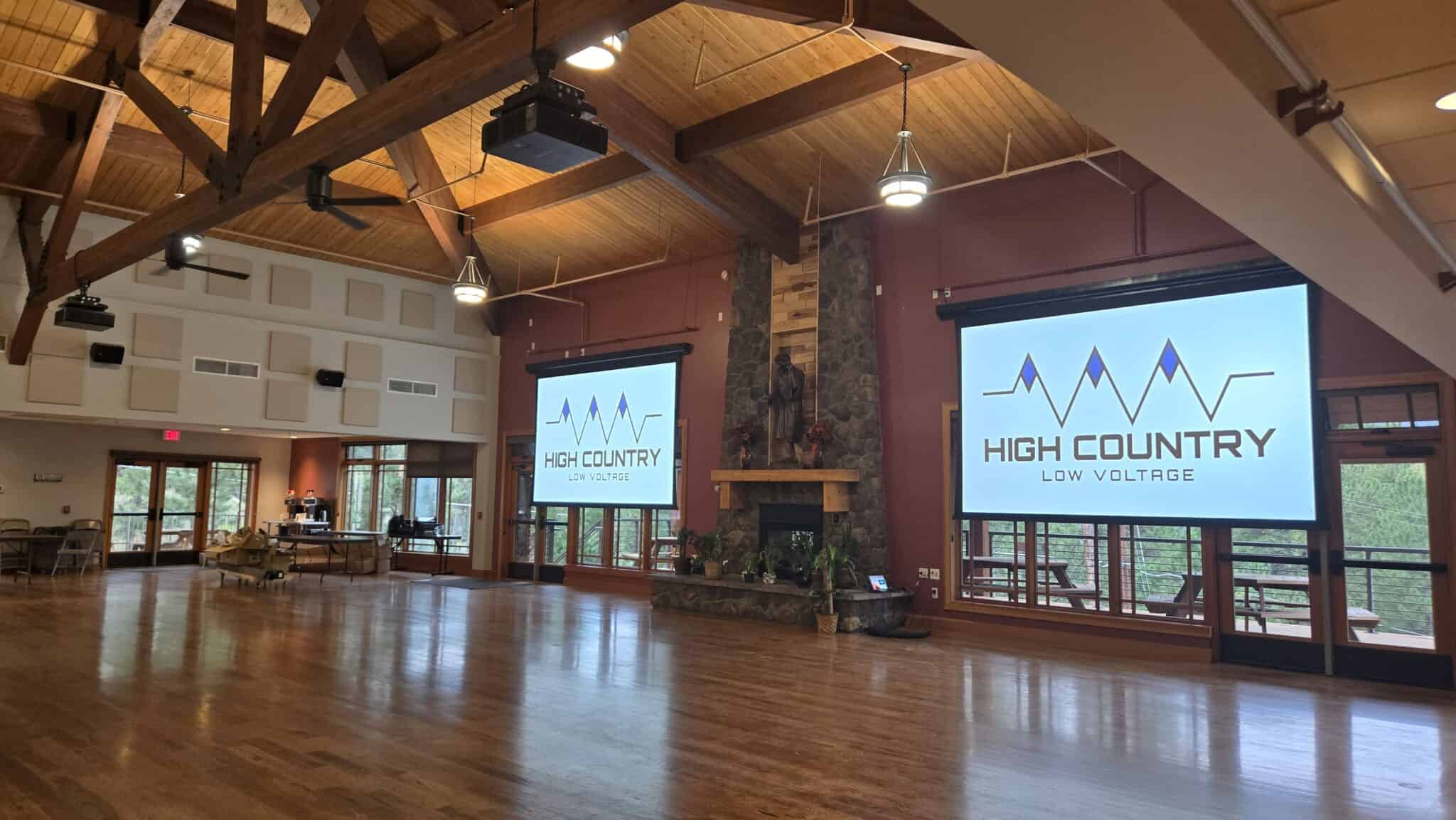
Dual-display layouts typically show lesson content on one screen and remote participants on another, so in-room students can see who they’re learning alongside while the instructor maintains eye contact with both groups. Interactive displays and document cameras share whiteboard work and hands-on demonstrations with remote students in full detail, and sessions can be recorded and published to the school’s learning management system automatically.
By bringing these components together into one managed system, hybrid learning classroom AV solutions give remote and in-room students the same access to instruction, discussion, and participation.
How Do Hybrid Learning Classrooms AV Systems Work?
Hybrid learning classroom AV systems work by connecting cameras, microphones, speakers, displays, and control interfaces to a video conferencing platform through a centralized processor that manages audio, video, and room presets automatically.
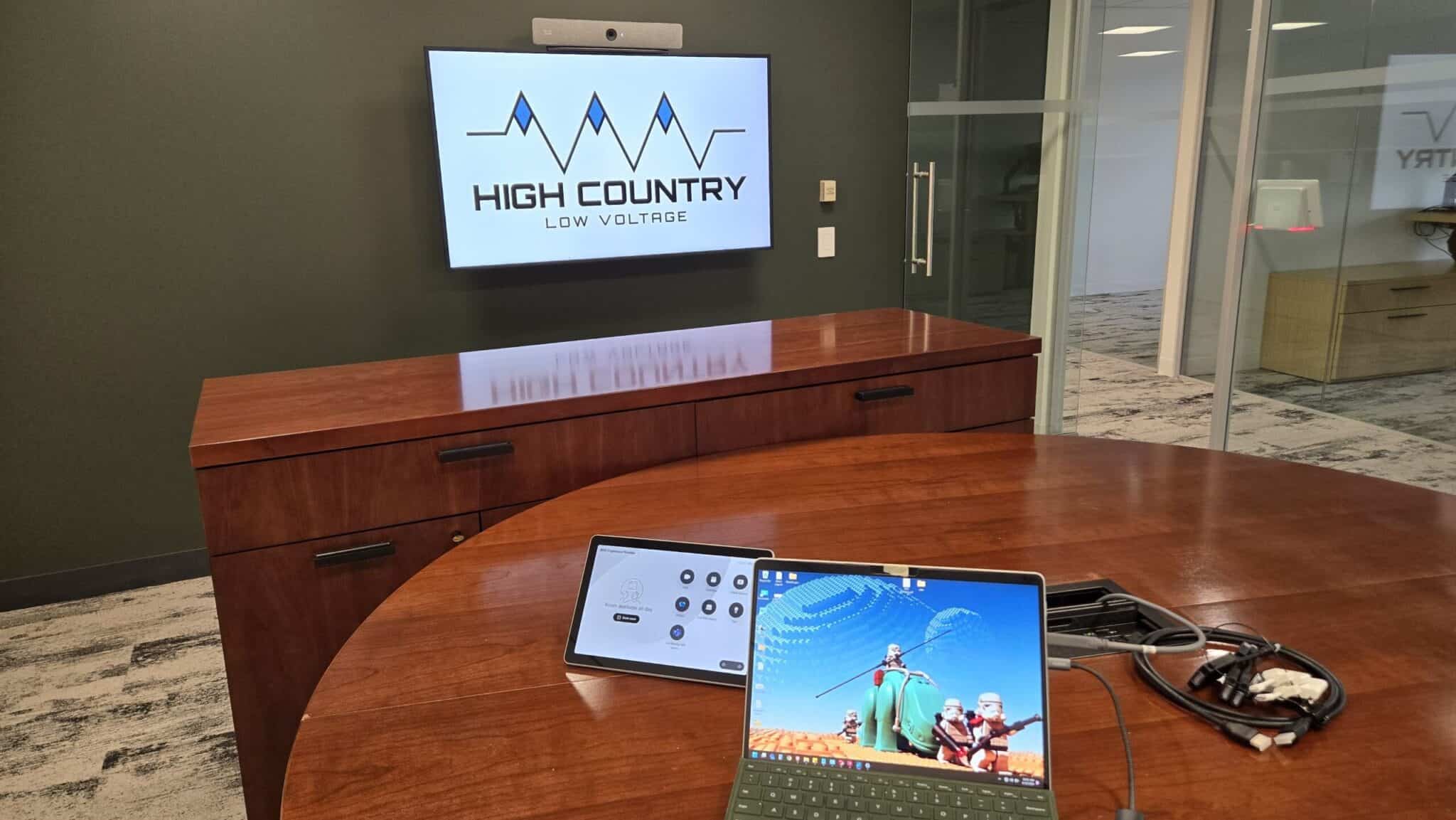
When the instructor starts class, a single tap on the touch panel or a one-touch join from the room calendar launches the hybrid session, powers on the displays, activates the cameras and microphones, and connects the room to the scheduled Zoom, Teams, or Google Meet class. There are no cables to plug in and no laptop settings to adjust before class can begin.
Video is handled by an instructor-tracking PTZ camera at the back of the room that follows the teacher as they move between the board, the display, and the students, paired with a student-facing camera at the front that captures in-room participants. Camera presets and intelligent framing automatically switch to whoever is speaking, so remote students can follow the conversation naturally rather than staring at a fixed wide shot.
Audio is captured by beamforming ceiling microphone arrays that pick up the instructor and students from anywhere in the room, with a wireless lavalier microphone option for the teacher. A digital signal processor applies echo cancellation, noise reduction, and automatic mixing so remote learners hear clean, intelligible speech, while distributed in-room speakers make sure remote students’ questions and comments are heard clearly by the whole class.
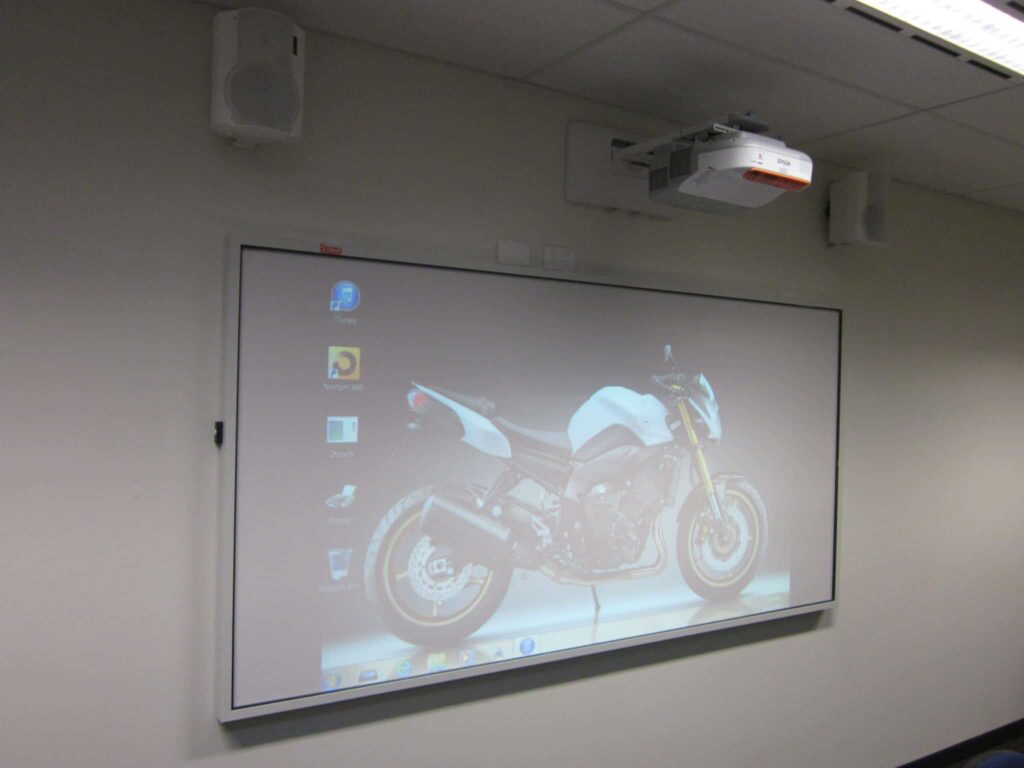
Content sharing is handled through interactive flat panels, wireless presentation systems, and document cameras. Anything the instructor writes, annotates, or demonstrates is sent to remote students in high resolution, and remote students can share their own screens back to the classroom display when it’s their turn to present.
A centralized control and monitoring platform lets instructors manage the room from one simple interface, while giving district or campus IT teams the ability to remotely monitor device health, push updates, and troubleshoot issues across every hybrid classroom from a single dashboard.

What Are the Benefits of Hybrid Learning Classroom AV Solutions?
Hybrid learning classroom AV solutions give institutions the tools needed to deliver an equal learning experience to every student, whether they’re sitting in the room or joining from home. These include:
- An Equal Experience For Remote Students: Remote learners see the instructor and the content clearly, hear classmates’ questions, and are seen and heard when they participate, keeping them engaged instead of watching from the sidelines.
- Hands-Free Teaching: Auto-tracking cameras and ceiling microphones follow the instructor naturally, so teachers can move around the room, work at the board, and engage students without being tied to a laptop or podium.
- Natural Class Discussion: Room-wide microphone coverage and clear in-room audio let in-person and remote students talk with each other directly, without passing around microphones or repeating questions.
- One-Touch Session Start: Preset controls and calendar-based joining let any instructor launch a hybrid class in seconds with no technical training or setup time.
- Flexible Learning Continuity: When students are out sick, traveling, or enrolled remotely, or when weather closes campus, instruction continues without interruption and lessons are automatically recorded for later review.
- Centralized Management Across Every Classroom: IT teams can monitor, update, and support hybrid classrooms across an entire district or campus remotely, reducing downtime and on-site service calls.
Need AV Installed In Your STEM Classroom? We're available 24/7
15+ Years Of Experience Providing Top-Tier Hybrid Learning Classroom AV Services To Our Clients
Who We Are